Photo cleanup
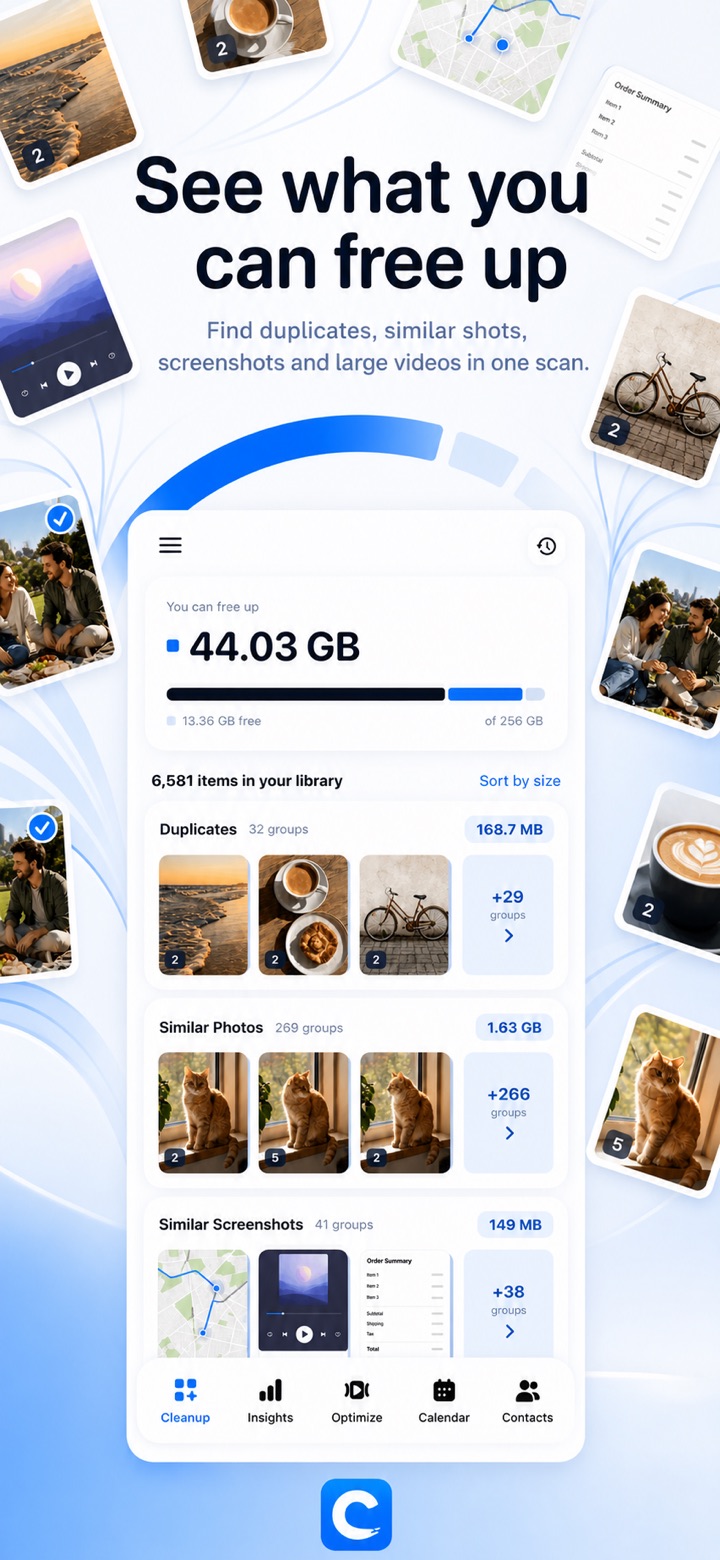
Duplicates, similar photos, screenshots, similar screenshots, large videos and similar videos — grouped and ready to review. See exactly how much space a selection frees before you delete anything.
 Cleanup
Cleanup finds what is quietly eating your storage — duplicate photos, near-identical shots, old screenshots, oversized videos — and lets you clear it in a few taps. Everything is analyzed on your device. Nothing is uploaded.
Swipe through the app, screen by screen.


Six tools for the things that fill an iPhone up.
Duplicates, similar photos, screenshots, similar screenshots, large videos and similar videos — grouped and ready to review. See exactly how much space a selection frees before you delete anything.
Fast Scan compares photo fingerprints pixel by pixel and finishes in seconds. Deep Scan uses Apple's Vision engine to also catch shots that were cropped, filtered or taken from a different angle.
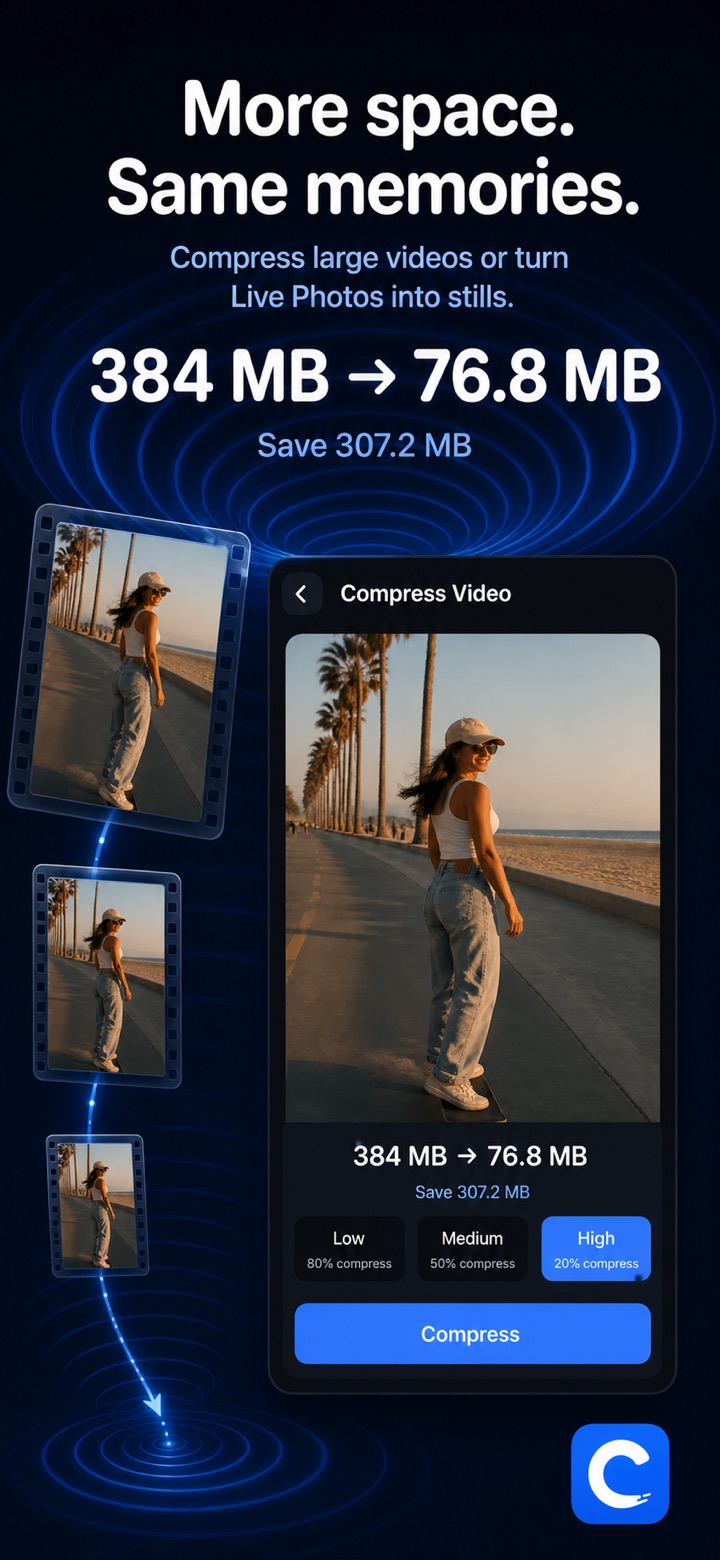
Compress large videos and keep the moment at a fraction of the size, or turn Live Photos into stills and drop the video half. Items stored in iCloud are downloaded automatically before processing.
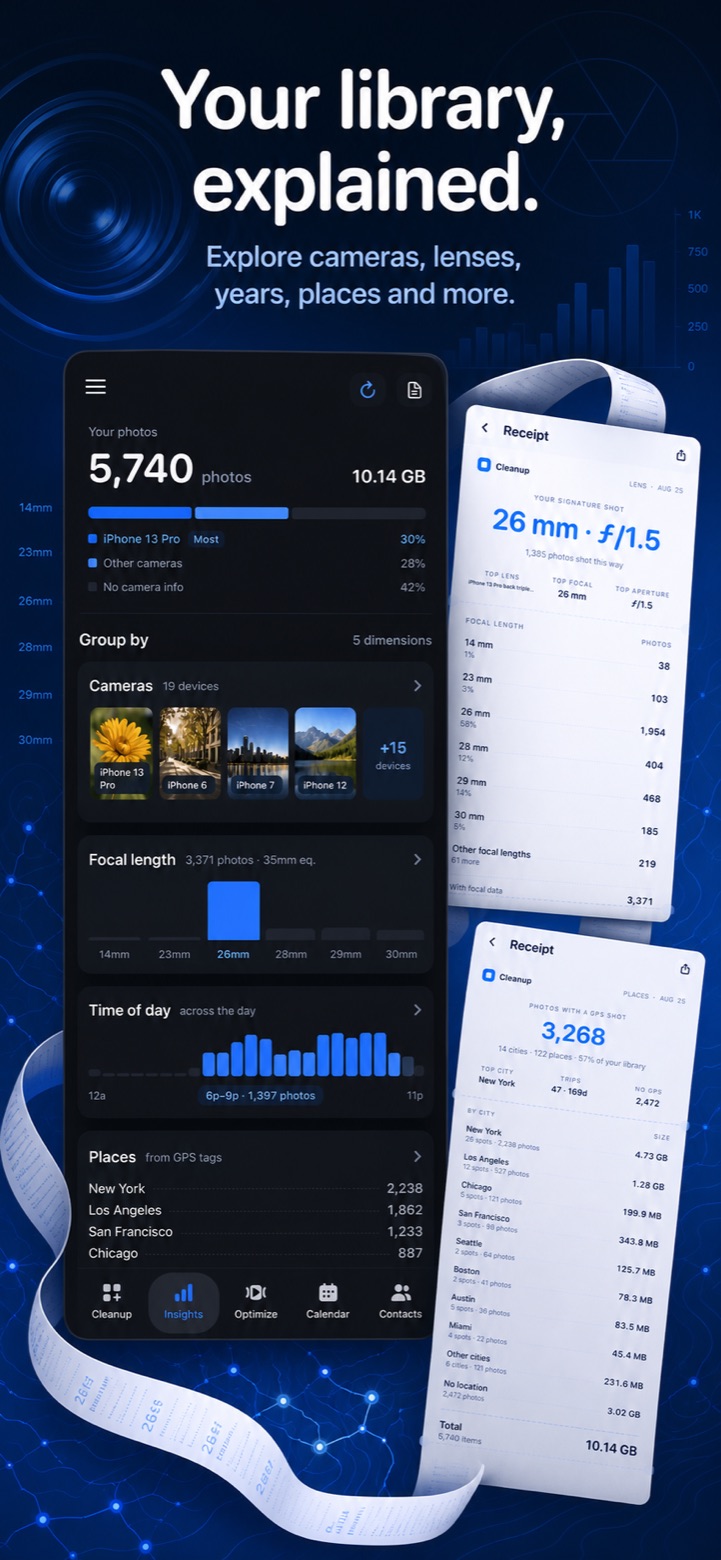
A report on the library you already have: cameras, lenses and focal lengths, years, places, time of day and file types — with a receipt you can share.
Clear out events that ended long ago. Merge duplicate contacts and tidy up entries missing a name or a number, with a preview before every merge.
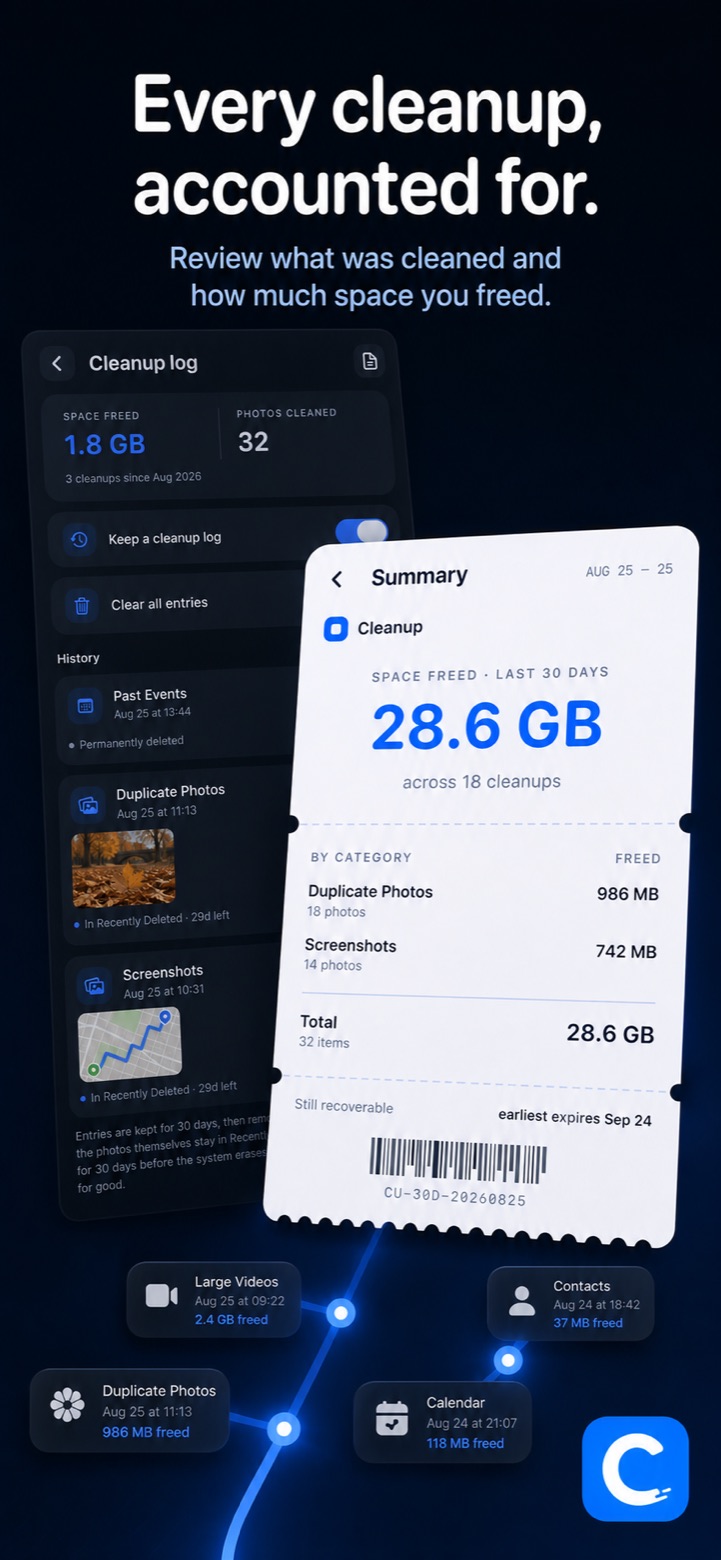
Every cleanup is recorded: what was removed, how much space it freed, and how long it stays recoverable in Recently Deleted.
Photos, videos, contacts and calendar data are analyzed on device and never uploaded. Cleanup has no backend server, no ads, no tracking and no account to create.
Read the privacy policyFree use includes a daily cap on photo deletions. Pro removes it.
Purchases are handled by the App Store. The weekly subscription renews automatically unless auto-renew is turned off at least 24 hours before the end of the current period, and can be managed in Settings › Apple Account › Subscriptions. See the terms for details.